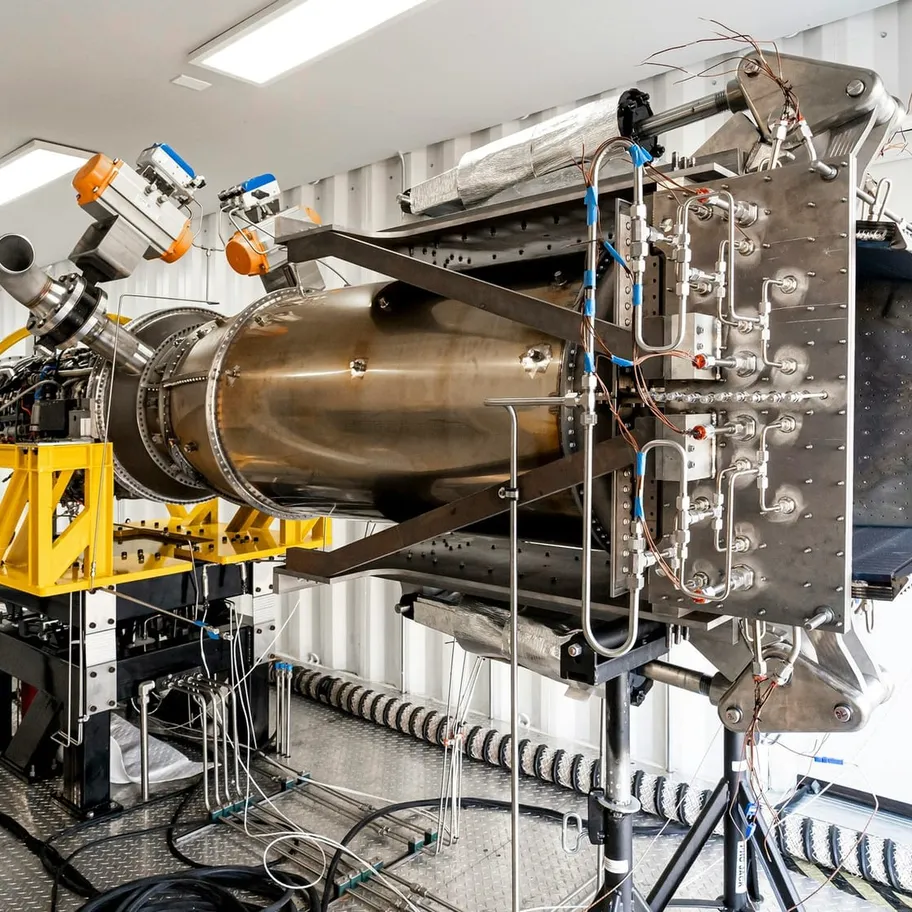

Digital Thread Integration: Connecting Engineering, Manufacturing, and Service
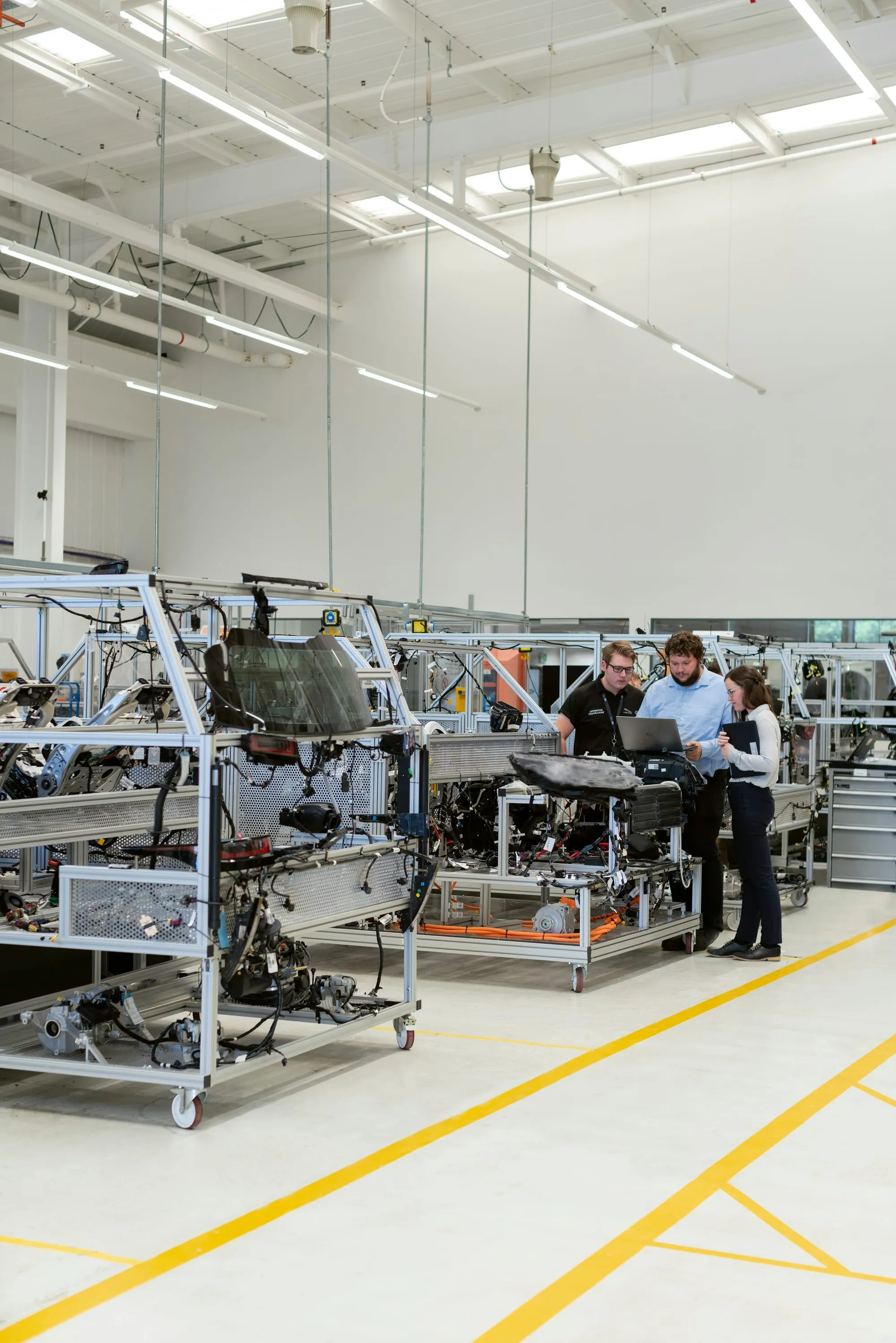
Windchill, Solumina MES, ERP and Salesforce CPQ connected into one thread.
Read customer story
 Talk to a consultantContact
Implement
Stand up Windchill and MPMLink
Improve
Fix or modernize what you have
Integrate
Connect Windchill to the rest
 Digital Thread Integration: Connecting Engineering, Manufacturing, and ServiceRead case study
Regulated
Compliance built into the PLM
Complex products
Variants, ETO and long lifecycles
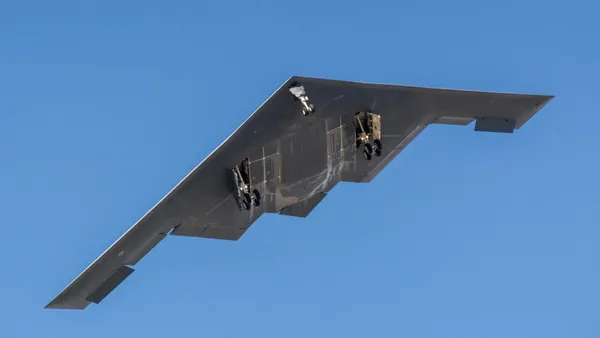 MPMLink Implementation: Modernizing Manufacturing Process Management for Defense ContractorRead case study
Learn
Plain answers on PLM and Windchill
Choosing a partner
For teams comparing options
 PTC's Services Team or an Independent Windchill Partner? How to DecideRead
Element
Senior-only PTC Windchill consultancy since 2003
 A Production Windchill Upgrade: 40 Phases, Zero Failures, Zero OutageRead case study
Choosing a partner
Moving from Siemens Teamcenter to PTC Windchill is a data migration with a Windchill implementation attached. We do the Windchill side: the target data model, the mapping, the pilot loads and the rollout.
Talk to a consultantLast reviewed by Element Consulting

A company usually lands here after an acquisition, a move to Creo, or a decision to put every site on one PLM. The software choice is made. What is left is years of product data in Teamcenter and people who know how to find things there.
Three decisions dominate the project: how much history to migrate and how much to archive, how Teamcenter's data model maps onto Windchill's, and how to pilot the load before committing to it.
The implementation half is a new Windchill rollout, and it follows the same process-first path as any Windchill implementation. The upgrade and migration guide covers platform migrations in more detail.
Coming from Arena? See migrating from Arena PLM to Windchill.
Full history, a baseline, or open items plus a read-only archive. We settle it per object type with engineering, quality and IT, because the answer drives the size of everything after it.
Teamcenter's item types, revision rules, CAD relationships and effectivity are mapped onto Windchill's parts, CAD documents, documents and change objects. Where the two don't line up, we write down the rule.
Duplicate part numbers, orphaned CAD references and inconsistent revisions are fixed in the extract. Loading them and fixing them later costs more.
A sample goes into a Windchill sandbox first. Your engineers open their own parts and assemblies and tell us what is wrong.
The target system is a new Windchill rollout: lifecycles, workflows, access control, numbering and ERP integration, designed around how your people work.
We check the migrated data against the source, train users by role, cut over, and stay through the first weeks of use.
We are Windchill specialists. Windchill's data model, change process and CAD integration are their own discipline, and they are what the target system has to get right. We have worked in PTC Windchill since 2003, across 100+ PLM implementations.
What we don't do. We don't administer Teamcenter. The extract is done by your Teamcenter administrators or integrator, to a mapping we write together. Our team does include people who have worked in Teamcenter and ENOVIA, such as Brian Allgeier, so the source side is familiar ground.
Process and people first, technology second. Engineers who knew where everything was in Teamcenter have to trust the new system. We name an adoption owner on day one.
Talk to a consultantAbout Element Consulting. Element Consulting is an independent PTC partner that has implemented, upgraded, integrated, and rescued PTC Windchill since 2003: 100+ PLM implementations, a senior-only team, headquartered in West Des Moines, Iowa. Managing Partner Eric Horn is a PTC Certified Windchill Implementation Practitioner. The firm works mainly in aerospace and defense, federal and national-security programs, medical devices, and industrial equipment, including ITAR-controlled and government-cloud delivery, and does not resell software.
Element Consulting does the Windchill side of a Teamcenter to Windchill migration: the target data model, the mapping, the pilot loads, validation and the rollout. We are an independent PTC partner and have worked in Windchill since 2003. Your Teamcenter administrators or integrator handle the extract, and we work with them.
Some of it, by decision. For each kind of object you choose between full revision history and a baseline plus a read-only archive. Revision histories do not always translate one to one, so we pilot the load on a sample before anyone commits.
Duplicate part numbers, CAD references that point at nothing, and revision histories that do not line up with how Windchill counts revisions. All three show up in a pilot load, which is why we run one early.
No. An upgrade carries your existing Windchill forward. Coming from Teamcenter is a fresh Windchill install plus a data migration, so it needs a mapping, a pilot load and a validation effort an upgrade does not. Expect the data work to take longer than the configuration work.
It depends mostly on your CAD. Our comparison lays out where each platform fits: Windchill vs Teamcenter.
40/40
Migration phases in an AI-verified Windchill 12 to 13.1 upgrade. Zero failures, zero production outage.
Read the case study80%
Lower cost of poor quality at one manufacturer once manufacturing reviewed the data before release.
100+
PLM implementations since 2003, from new Windchill rollouts to upgrades, ERP integration and rescue.
*Results from specific engagements. Clients are named only with their permission, and your results will depend on your scope and starting point.
Windchill, Solumina MES, ERP and Salesforce CPQ connected into one thread.
Read customer story

40 of 40 migration phases, zero failures, zero production outage.
Read customer storyRelated knowledge



Tell us what is in Teamcenter today and what has to come across. We'll tell you what the pilot load should test first.